
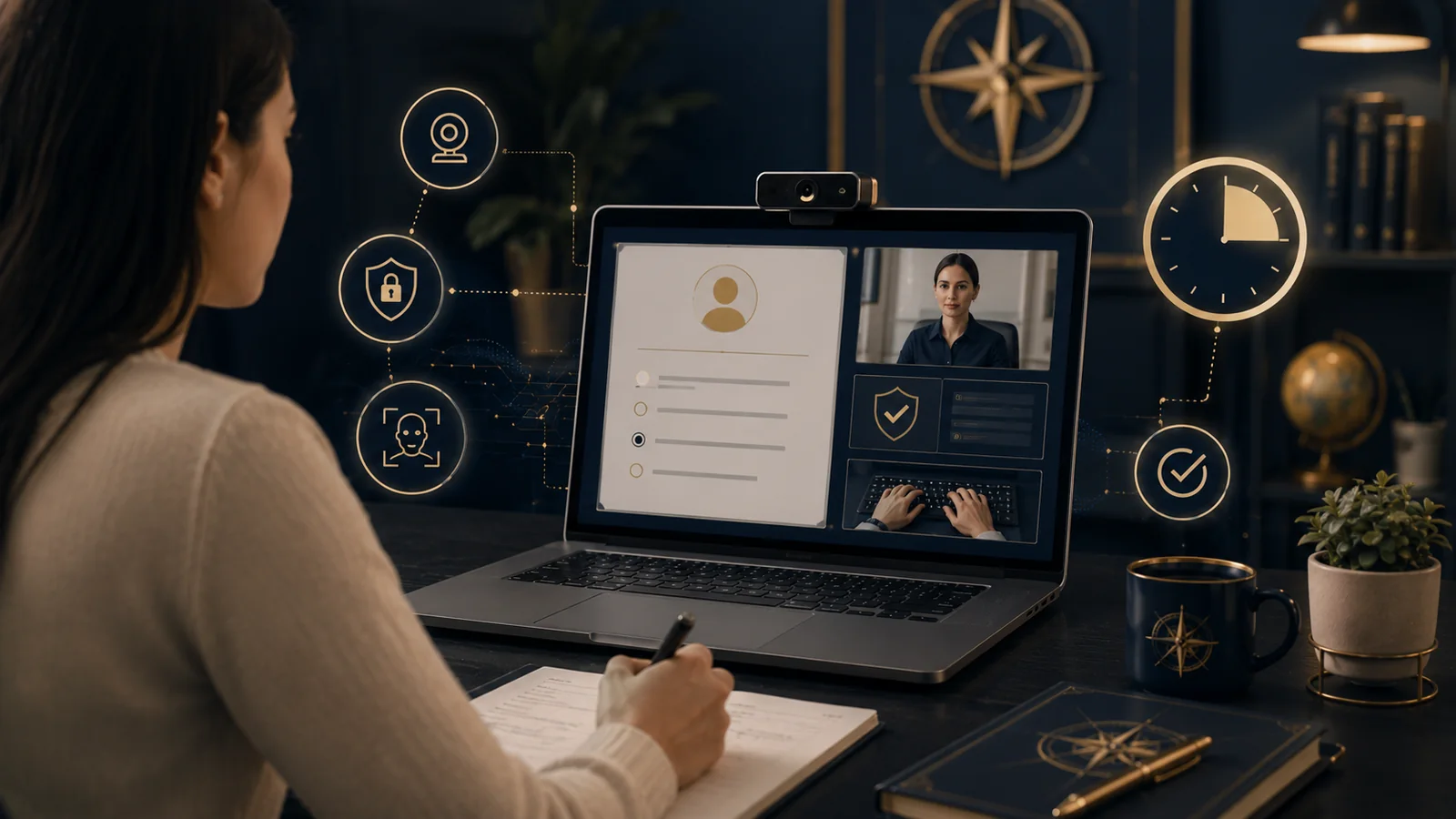
Online Exam and Proctoring Tools explains software used to deliver assessments, verify identity, restrict the testing environment and review possible irregularities. Tools range from ordinary online quizzes to live remote proctoring and secured test-center systems.
Assessment integrity should begin with valid assessment design. Surveillance technology cannot turn a weak exam into strong evidence, and flags from automated systems should not be treated as proof of misconduct.
On this page — 22 sections
- Online assessment framework
- Types of online exam tools
- Start with assessment validity
- Identity assurance
- Lockdown browsers
- Remote proctoring models
- Privacy
- Home and family privacy
- Accessibility and accommodations
- Technical requirements
- Academic integrity by design
- Incident review
- Due process
- Procurement
- Vendor questions
- Alternatives
- Metrics
- Common failures
- Institutional governance
- Frequently asked questions
- Related Knowledge Compass guides
- Official sources and review notes
Online assessment framework
| Area | Question |
|---|---|
| Purpose | Which knowledge or skill must be demonstrated? |
| Risk | What consequence follows the result? |
| Identity | How much assurance is necessary? |
| Environment | Which controls are proportionate? |
| Access | What accommodations and alternatives are needed? |
| Privacy | Which personal and room data are collected? |
| Review | How are flags investigated? |
| Evidence | Does the exam validly measure the intended outcome? |
Types of online exam tools
| Type | Typical capability |
|---|---|
| LMS quiz | Questions, timing and automatic scoring. |
| Assessment platform | Item banks, rubrics and advanced reporting. |
| Lockdown browser | Restricts device functions. |
| Identity verification | Checks credentials or identification. |
| Live remote proctoring | A person observes the session. |
| Recorded proctoring | Video is reviewed later. |
| Automated monitoring | Software flags events for review. |
| Test center delivery | Controlled facility and equipment. |
| Practical assessment | Simulation, coding, portfolio or demonstration. |
Start with assessment validity
The format should match the construct. A multiple-choice exam may test knowledge but cannot fully demonstrate laboratory, clinical, teaching, design or interpersonal performance.
| Outcome | Possible evidence |
|---|---|
| Recall | Secure or open-book questions. |
| Reasoning | Cases and written explanation. |
| Writing | Draft and final work. |
| Technical skill | Lab or coding task. |
| Oral communication | Presentation or defense. |
| Practical competence | Observed demonstration. |
| Long-term work | Portfolio or project. |
Identity assurance
Identity controls can include institutional login, multifactor authentication, identification documents, test-center checks or live verification. The control should match the consequence and avoid collecting more data than necessary.
Lockdown browsers
A lockdown browser may block applications, copy and paste, printing or navigation. It cannot control every external device or person, and it can conflict with assistive technology, security software or institutional devices.
- Test required operating systems.
- Provide a practice exam.
- Check assistive technology.
- Explain installation and removal.
- Offer a managed-device or test-center alternative.
- Document technical-failure procedures.
Remote proctoring models
Live proctoring
A human observes the session and can communicate with the learner. It can support immediate clarification but is expensive and may introduce inconsistent judgment.
Recorded proctoring
Video and screen data are captured and reviewed later. Institutions need clear retention, access and review rules.
Automated monitoring
Software may flag gaze, sound, movement, objects or device events. Such signals are context-dependent and can be affected by disability, environment, skin tone, lighting, culture or technical conditions.
Automated flags should initiate human review, not determine misconduct.
Privacy
Proctoring can collect identification, face and voice data, room video, screen activity, device information, location, behavior and incident notes. This creates a high privacy burden.
- Document the necessity.
- Minimize the data collected.
- Explain collection before registration.
- Review biometric and education-record rules.
- Control vendor access.
- Set short retention where possible.
- Provide access and correction routes.
- Define breach response.
- Delete data after the purpose ends.
Home and family privacy
A room scan or continuous camera can expose family members, religious objects, health information or living conditions. Institutions should consider less intrusive alternatives and avoid assuming every learner has a private room.
Accessibility and accommodations
- Extra time and breaks.
- Screen-reader and keyboard compatibility.
- Permission for assistive devices.
- Alternatives to gaze or movement monitoring.
- Interpreter or support-person rules.
- Reduced-distraction locations.
- Test-center or oral alternative.
- Accessible identity verification.
An accommodation should not automatically generate a misconduct flag. The assessment, disability and technology teams need a coordinated process.
Technical requirements
| Requirement | Risk |
|---|---|
| Webcam and microphone | Cost, privacy and hardware failure. |
| Stable broadband | Exclusion and interruption. |
| Operating system | Unsupported devices. |
| Administrator rights | Institutional or workplace device restrictions. |
| Room conditions | No private or quiet space. |
| Power | Outage and battery failure. |
| Upload speed | Recording loss. |
Academic integrity by design
Many integrity risks can be reduced without intensive surveillance.
- Use larger item banks.
- Require explanation.
- Use local or personalized cases.
- Assess process and drafts.
- Use open-book questions that require application.
- Add oral checks for high-stakes work.
- Use practical demonstrations.
- Clarify collaboration and AI rules.
Incident review
- Preserve the original evidence.
- Check technical logs.
- Review approved accommodations.
- Ask the learner for context.
- Separate a flag from a finding.
- Use trained human reviewers.
- Apply a consistent standard.
- Provide appeal and correction.
- Record the decision and retention date.
Due process
High-stakes findings can affect grades, credentials and careers. Institutions should disclose the evidence, allow a response and use decision-makers who understand the tool’s limitations.
Procurement
- Define exam consequence and threat model.
- Consider less intrusive assessment.
- Review accessibility.
- Map every data field.
- Review biometric and privacy obligations.
- Test false flags with representative users.
- Define human review.
- Set retention and deletion.
- Plan technical failure.
- Require export and contract exit.
Vendor questions
- Which behaviors are flagged?
- What evidence supports accuracy?
- How does performance vary across users?
- Is biometric data created?
- Where are recordings stored?
- Who can review them?
- Are data used to train models?
- Can monitoring features be disabled?
- How are accommodations configured?
- What happens after contract termination?
Alternatives
| Alternative | Use |
|---|---|
| Open-book application exam | Tests reasoning rather than recall. |
| Oral defense | Verifies understanding. |
| Project | Shows extended performance. |
| Local test center | Provides controlled environment. |
| In-person practical | Tests hands-on skill. |
| Portfolio | Uses multiple artifacts. |
| Frequent low-stakes checks | Reduces one-exam pressure. |
Metrics
- Exam completion.
- Technical failure.
- Accommodation success.
- Flag rate.
- Confirmed-case rate.
- Appeal and reversal.
- Learner support contacts.
- Privacy incidents.
- Cost per exam.
- Independent validity evidence.
Common failures
- Choosing surveillance before redesigning assessment.
- Treating flags as guilt.
- No practice test.
- No alternative for unsupported devices.
- Inaccessible lockdown software.
- Recording rooms without proportionality.
- Keeping biometric data indefinitely.
- Ignoring false-positive patterns.
- No appeal.
- Measuring integrity only by detected cases.
Online exam security should be proportionate, accessible and reviewable, with valid assessment—not surveillance—as the foundation.
Institutional governance
An institution should maintain an approved assessment and proctoring policy rather than allowing every course to choose different surveillance. The policy should classify assessment risk and match controls to consequence.
| Risk level | Possible approach |
|---|---|
| Low stakes | Ordinary quiz and feedback. |
| Moderate stakes | Authenticated assessment with application tasks. |
| High stakes | Multiple evidence sources, controlled environment or proportionate proctoring. |
| Practical competence | Observed or simulated performance. |
The institution should document the decision, owner, evidence, limitations and next review date.
Frequently asked questions
It is remote supervision or monitoring used during an online exam, through live observation, recording or automated event flags.
No. A flag is an indicator that requires context and human review.
Depending on the system, it may collect identity, video, audio, room, screen, device and behavioral data.
Alternatives include open-book application exams, oral defenses, projects, practical demonstrations, portfolios and local test centers.
Related Knowledge Compass guides
Official sources and review notes
Last reviewed: June 2026. Proctoring features, privacy law and accessibility obligations change.